

EdgeVPN for iOS
Fast, secure VPN for your iPhone and iPad. Three powerful protocols, one-tap connection, and military-grade encryption.
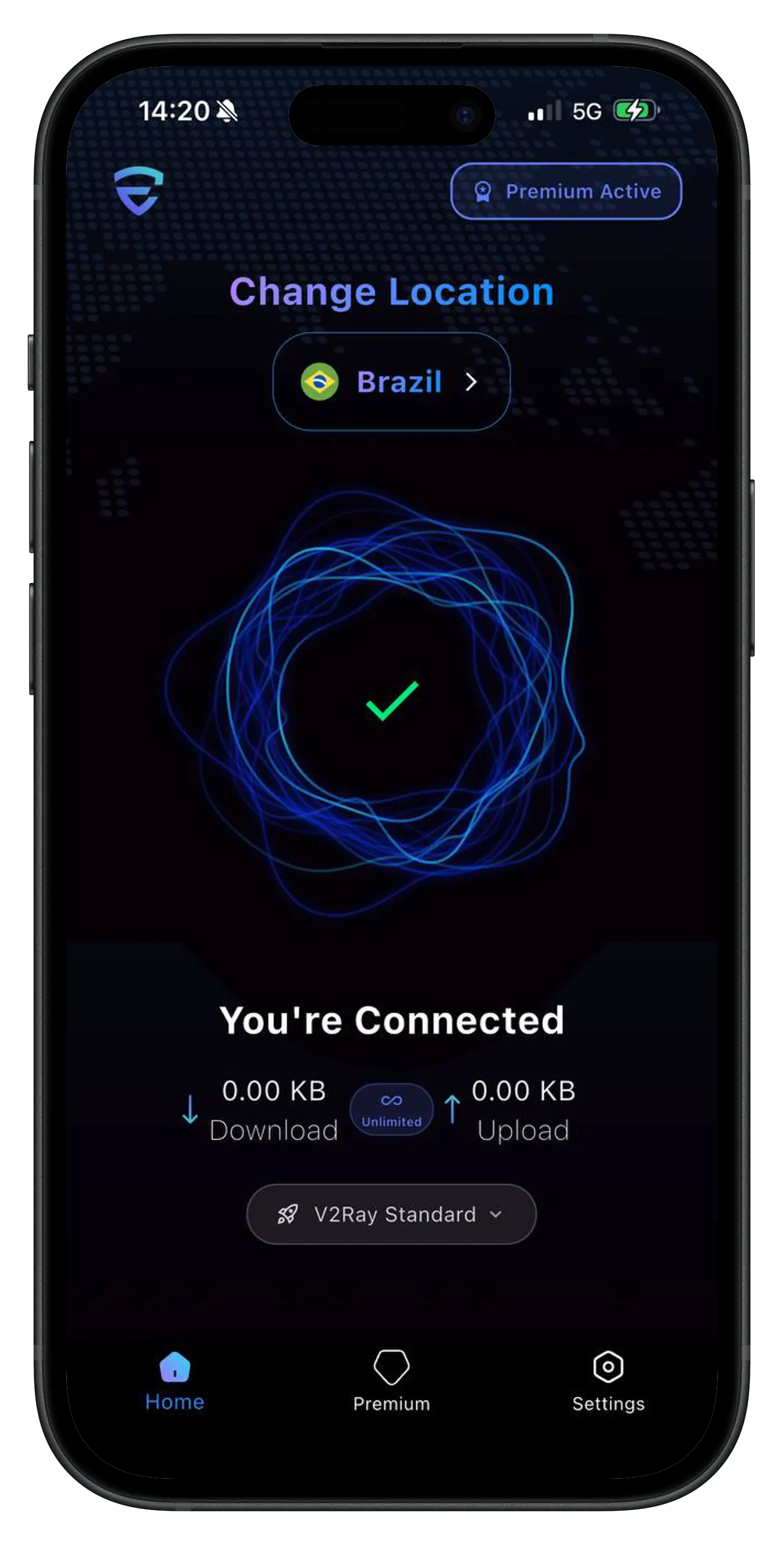
应用免费。Premium 解锁全部功能。
70+ 个服务器位置,WireGuard、OpenVPN 和 V2Ray,一个订阅可用于您的手机以及另外 3 台设备。
iOS App Features
Everything you need for secure browsing on your iPhone and iPad
全部三种协议(WireGuard、OpenVPN、V2Ray)
一键快速连接
自动服务器选择
终止开关保护
分应用代理支持
主屏幕小组件
Siri快捷指令集成
深色模式支持
System Requirements
Requirements
Compatible Devices
iPhone 6s or later, iPad Air 2 or later, iPad mini 4 or later, all iPad Pro models
Operating System
iOS 15.0或更高版本
Storage Space
45 MB
App Details
How to Set Up EdgeVPN on iOS
Get started in just 4 simple steps
Download from App Store
Search for "EdgeVPN" in the App Store or tap the download button on this page. The app is free to download and requires iOS 15.0 or later.
Get Your Customer ID
Open the app and you'll automatically receive an anonymous customer ID. Choose a subscription plan through the App Store. You can start with our free plan to try the service.
Choose a Server Location
Select from 70+ server locations worldwide. Use automatic selection for the fastest connection, or manually choose a specific country.
Tap Connect
Tap the connect button and grant VPN permissions when prompted. Your connection is now secure and private. You can monitor your connection status in the app or via widgets.
在我们的网站上购买了 Premium?
您的网页订阅可用于您的手机以及另外 3 台设备。请在 shop.edgevpn.tech 的 My devices 中关联此设备。
- 1安装 EdgeVPN 并打开“设置”。
- 2点击 EdgeVPN 标志下方的 Id:您的 Customer ID 将被复制。
- 3登录 shop.edgevpn.tech,打开 My devices,并将其粘贴到 “Phone or tablet” 下。
iOS App FAQ
Common questions about EdgeVPN for iOS
EdgeVPN requires iOS 15.0 or later. It works on iPhone 6s and newer, iPad Air 2 and newer, iPad mini 4 and newer, and all iPad Pro models. The app is optimized for both iPhone and iPad screens.
Currently, EdgeVPN is available only for iPhone and iPad. We are exploring support for Apple TV and Apple Watch in future updates. Stay tuned for announcements.
Yes! EdgeVPN includes Siri shortcuts integration, allowing you to connect to your VPN with voice commands like "Hey Siri, connect to EdgeVPN" or "Hey Siri, disconnect VPN". You can customize these shortcuts in the Shortcuts app.
Yes, EdgeVPN for iOS includes split tunneling support, allowing you to choose which apps use the VPN connection and which connect directly. This feature is available in iOS 15 and later.
Ready to Secure Your iOS Device?
Download EdgeVPN now and enjoy fast, secure browsing on your iPhone or iPad.
No credit card required
Free version available