

EdgeVPN for iOS
Fast, secure VPN for your iPhone and iPad. Three powerful protocols, one-tap connection, and military-grade encryption.
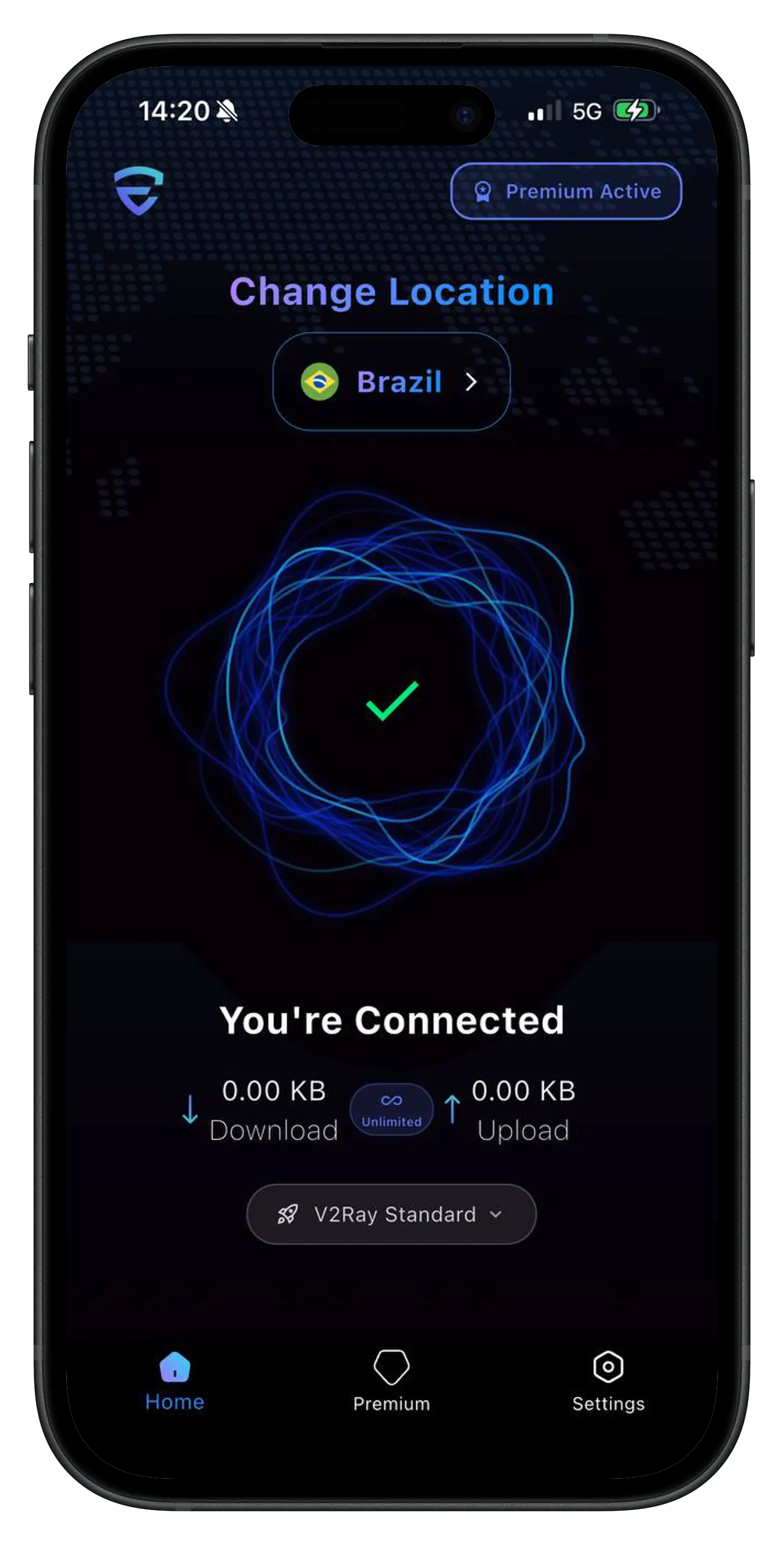
The app is free. Premium unlocks everything.
70+ server locations, WireGuard, OpenVPN and V2Ray, and one subscription for your phone plus 3 other devices.
iOS App Features
Everything you need for secure browsing on your iPhone and iPad
All three protocols (WireGuard, OpenVPN, V2Ray)
One-tap quick connect
Automatic server selection
Kill switch protection
Split tunneling support
Widgets for home screen
Siri shortcuts integration
Dark mode support
System Requirements
Requirements
Compatible Devices
iPhone 6s or later, iPad Air 2 or later, iPad mini 4 or later, all iPad Pro models
Operating System
iOS 15.0 or later
Storage Space
45 MB
App Details
How to Set Up EdgeVPN on iOS
Get started in just 4 simple steps
Download from App Store
Search for "EdgeVPN" in the App Store or tap the download button on this page. The app is free to download and requires iOS 15.0 or later.
Get Your Customer ID
Open the app and you'll automatically receive an anonymous customer ID. Choose a subscription plan through the App Store. You can start with our free plan to try the service.
Choose a Server Location
Select from 70+ server locations worldwide. Use automatic selection for the fastest connection, or manually choose a specific country.
Tap Connect
Tap the connect button and grant VPN permissions when prompted. Your connection is now secure and private. You can monitor your connection status in the app or via widgets.
Bought Premium on our website?
Your web subscription covers your phone plus 3 other devices. Link this device under My devices at shop.edgevpn.tech.
- 1Install EdgeVPN and open Settings.
- 2Tap the Id under the EdgeVPN logo: your Customer ID is copied.
- 3Sign in at shop.edgevpn.tech, open My devices and paste it under "Phone or tablet".
iOS App FAQ
Common questions about EdgeVPN for iOS
EdgeVPN requires iOS 15.0 or later. It works on iPhone 6s and newer, iPad Air 2 and newer, iPad mini 4 and newer, and all iPad Pro models. The app is optimized for both iPhone and iPad screens.
Currently, EdgeVPN is available only for iPhone and iPad. We are exploring support for Apple TV and Apple Watch in future updates. Stay tuned for announcements.
Yes! EdgeVPN includes Siri shortcuts integration, allowing you to connect to your VPN with voice commands like "Hey Siri, connect to EdgeVPN" or "Hey Siri, disconnect VPN". You can customize these shortcuts in the Shortcuts app.
Yes, EdgeVPN for iOS includes split tunneling support, allowing you to choose which apps use the VPN connection and which connect directly. This feature is available in iOS 15 and later.
Ready to Secure Your iOS Device?
Download EdgeVPN now and enjoy fast, secure browsing on your iPhone or iPad.
No credit card required
Free version available